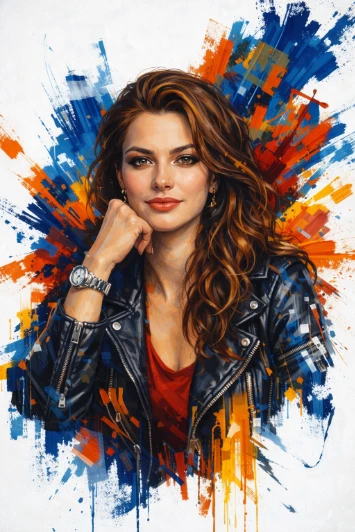
Last Call At The Pool Hall Template

Published in Lifestyle Portrait • March 11, 2026

Looking for a high-quality Last Call At The Pool Hall? This professional Lifestyle Portrait AI prompt template is designed to help you generate stunning results for your project. Simply copy the template below and customize it for your favorite AI model, including Gemini, ChatGPT, and Midjourney.

The Prompt
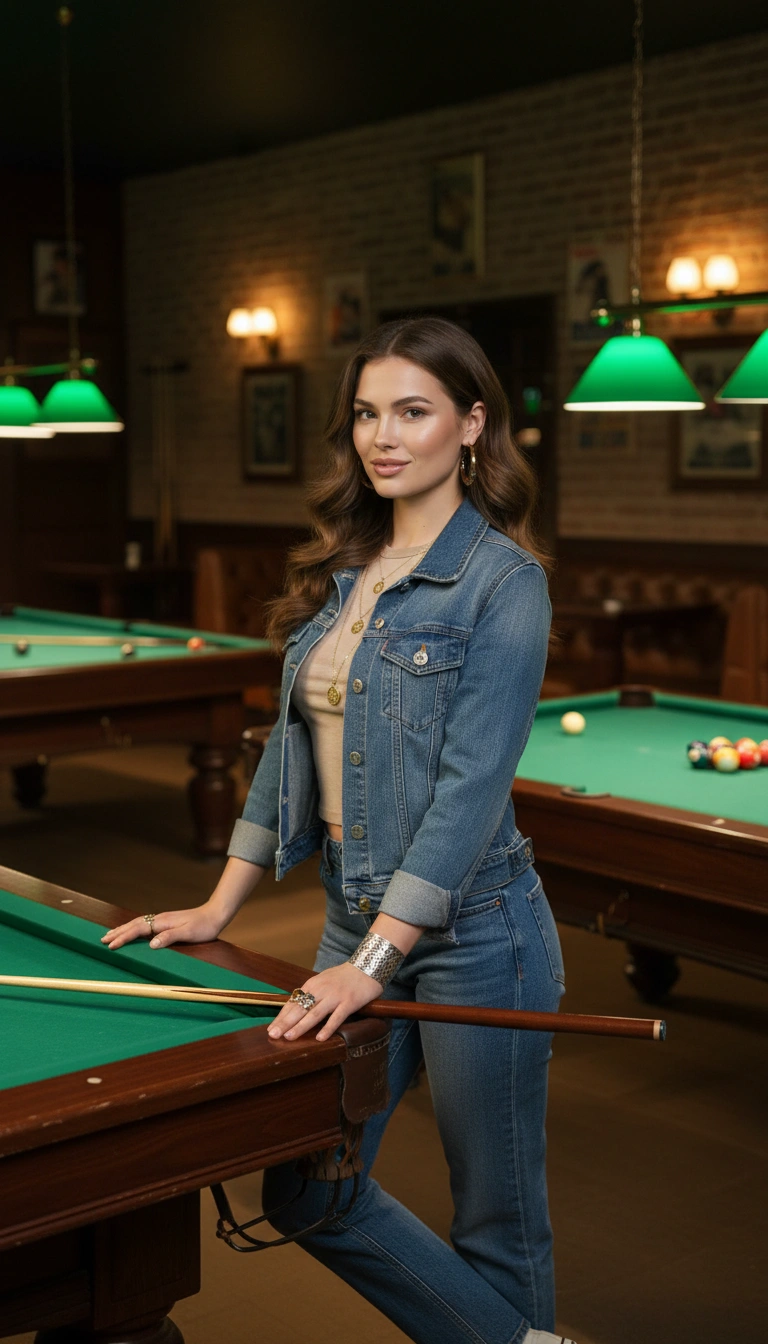
PROMPT: Create a portrait of the woman from the provided reference image. Do not alter any facial features. Ensure that her hair and skin tone match the image. Use the reference image as the identity anchor so the subject remains recognizable with preserved facial structure, skin tone, and body proportions; portrait orientation 4:5 vertical photographed with an 85mm lens at f/1.8 inside a vintage late-night pool hall filled with green felt billiard tables under emerald lamps and brick walls lined with cue racks and tournament posters; warm amber sconces illuminate polished wood rails and reflective billiard balls while leather booths line the walls; the subject stands beside a pool table with one hand resting on the rail and a cue leaning nearby, body angled toward the table while her head turns toward the viewer; expression playful and confident with subtle half-smile; wardrobe casual nightlife style including a fitted vintage baby tee layered with a denim jacket and straight-leg jeans paired with classic skate sneakers; accessories include resin hoop earrings, coin pendant necklace, mixed-metal rings, and engraved silver cuff bracelet; lighting from billiard lamps highlights the face and shoulders while background tables dissolve into warm atmospheric bokeh; materials emphasize polished wood, green felt texture, denim weave, and brass lamp reflections.

Last Call At The Pool Hall AI generation example for Lifestyle Portrait
Example output generated using the Last Call At The Pool Hall prompt.

Suggested Variations for "Last Call At The Pool Hall"

Make it Cinematic

Add descriptors like "cinematic lighting, 8k resolution, photorealistic" to the end of the prompt for a studio-quality look.

Change the Mood

Append variations such as "moody atmosphere, dark aesthetic, high contrast" to completely shift the emotional tone.

Adjust the Medium

Instead of a photo, try requesting a "watercolor painting, 3D render, or vector illustration" using the exact same subject.

How to use this Lifestyle Portrait prompt

To get the best results with this generative AI prompt, follow these optimization steps:

1

Copy

Click the copy button above to get the prompt.

2

Modify

Replace any [ ] with your specific details.

3

Paste

Use it in ChatGPT, Midjourney, or Gemini.

4

Refine

Adjust the prompt for even better results.