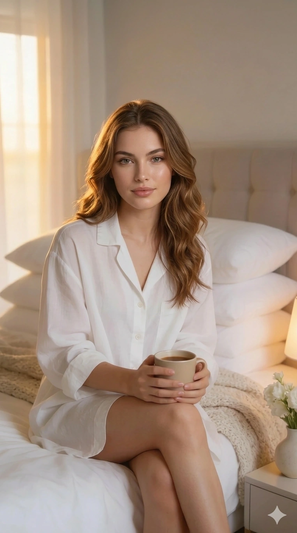
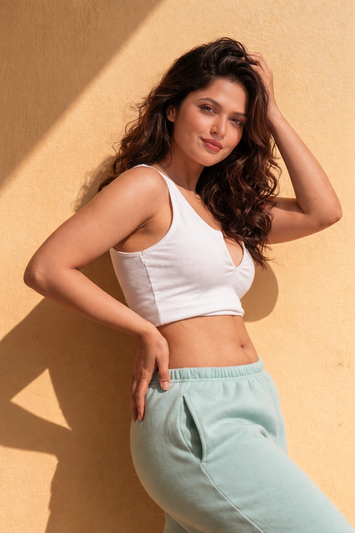
Professional Event Portrait in Natural Light Template

Published in Lifestyle Portrait • March 19, 2026

Looking for a high-quality Professional Event Portrait in Natural Light? This professional Lifestyle Portrait AI prompt template is designed to help you generate stunning results for your project. Simply copy the template below and customize it for your favorite AI model, including Gemini, ChatGPT, and Midjourney.

The Prompt
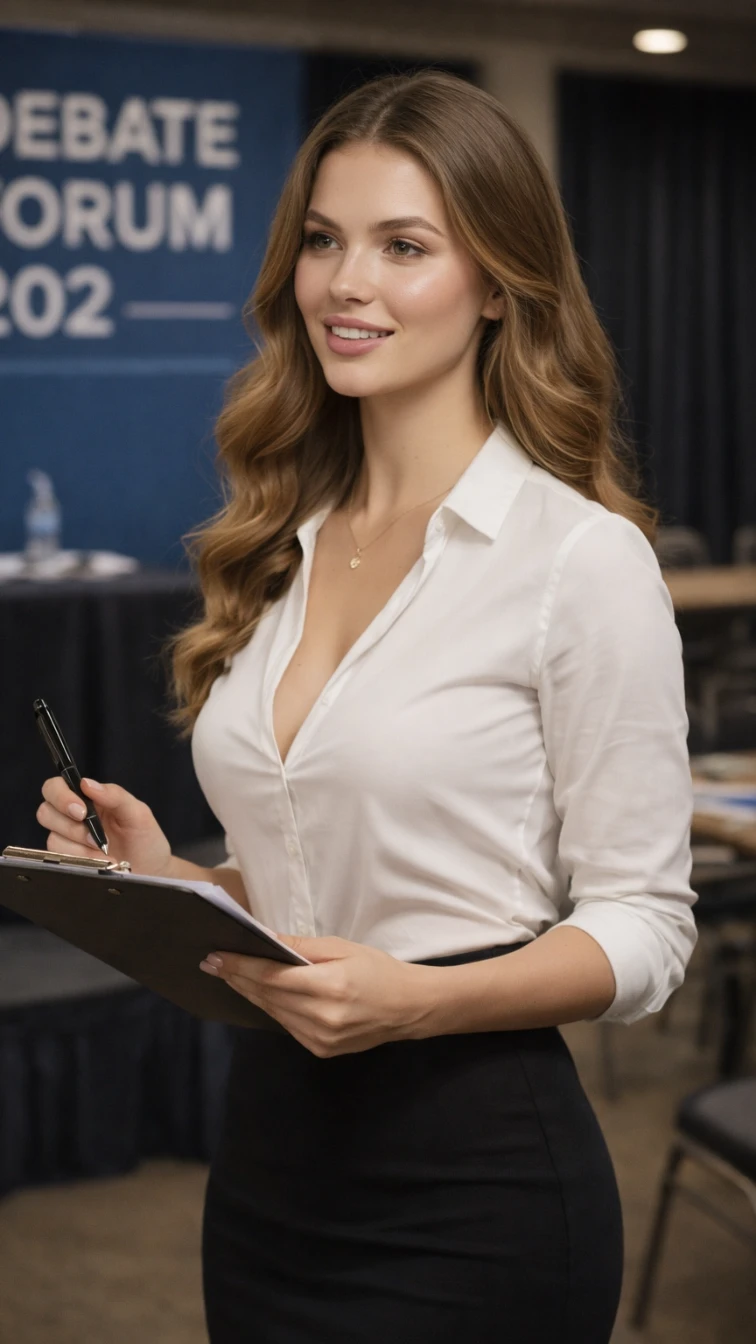
**SUBJECT DESCRIPTION:** The main subject is a person with smooth, flowing hair that cascades in soft waves. They wear a crisp white button-up shirt with sleeves rolled to the elbows and a sleek, form-fitting black skirt. The subject holds a clipboard in one hand and a pen in the other. They have a poised stance and are slightly smiling, conveying a sense of confidence. **SCENE & ENVIRONMENT:** The setting is an indoor environment resembling a professional conference or meeting space. In the background, there are empty chairs and a table with scattered papers and a water bottle, indicating a formal setting. A blue backdrop hangs with visible lighting casting a soft glow, enhancing a warm, inviting atmosphere. Shadows are present but subtle, providing depth. The color palette includes blues, whites, and blacks, contributing to a clean, professional aesthetic. **TEXT & TYPOGRAPHY:** The visible text in the image says "DEBATE FORUM 202" and is located in the background on a blue backdrop. The text is in large, bold, white capital letters, creating a strong, clear focal point. **STYLE & VISUAL TAGS:** Ultra-realistic, cinematic, professional, high-budget conferential aesthetic, medium shot, soft focus, natural lighting, shallow depth of field, HDR realism.

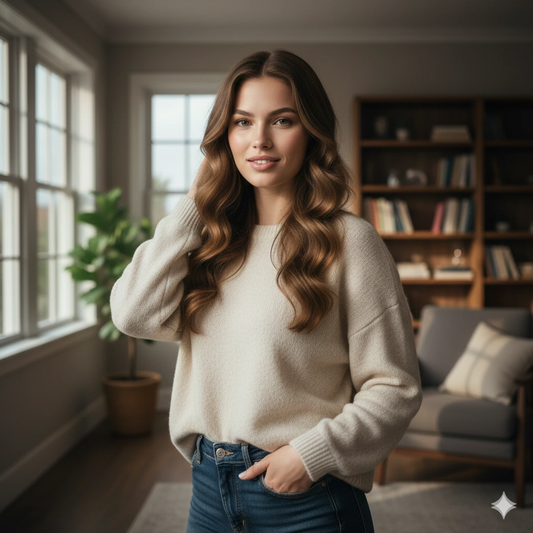
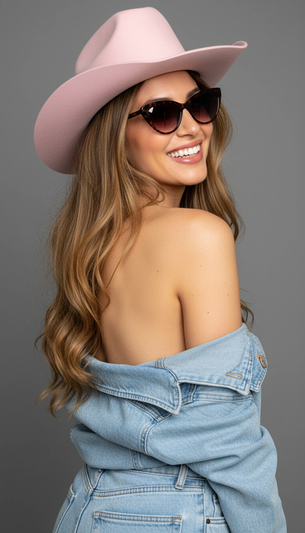
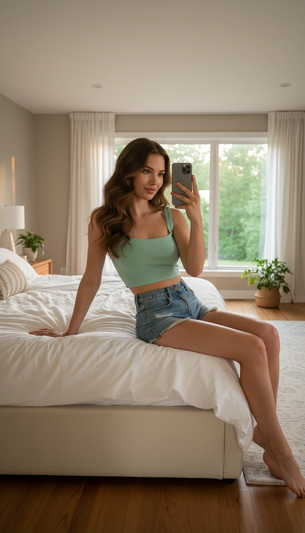
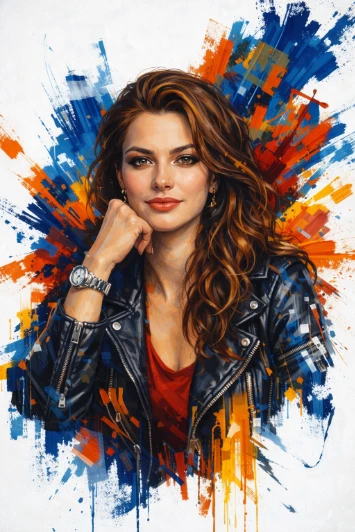
Professional Event Portrait in Natural Light AI generation example for Lifestyle Portrait
Example output generated using the Professional Event Portrait in Natural Light prompt.

Suggested Variations for "Professional Event Portrait in Natural Light"

Make it Cinematic

Add descriptors like "cinematic lighting, 8k resolution, photorealistic" to the end of the prompt for a studio-quality look.

Change the Mood

Append variations such as "moody atmosphere, dark aesthetic, high contrast" to completely shift the emotional tone.

Adjust the Medium

Instead of a photo, try requesting a "watercolor painting, 3D render, or vector illustration" using the exact same subject.

How to use this Lifestyle Portrait prompt

To get the best results with this generative AI prompt, follow these optimization steps:

1

Copy

Click the copy button above to get the prompt.

2

Modify

Replace any [ ] with your specific details.

3

Paste

Use it in ChatGPT, Midjourney, or Gemini.

4

Refine

Adjust the prompt for even better results.