Dressing Room Decision Template

Published in Fashion Portrait • March 11, 2026

Looking for a high-quality Dressing Room Decision? This professional Fashion Portrait AI prompt template is designed to help you generate stunning results for your project. Simply copy the template below and customize it for your favorite AI model, including Gemini, ChatGPT, and Midjourney.

The Prompt
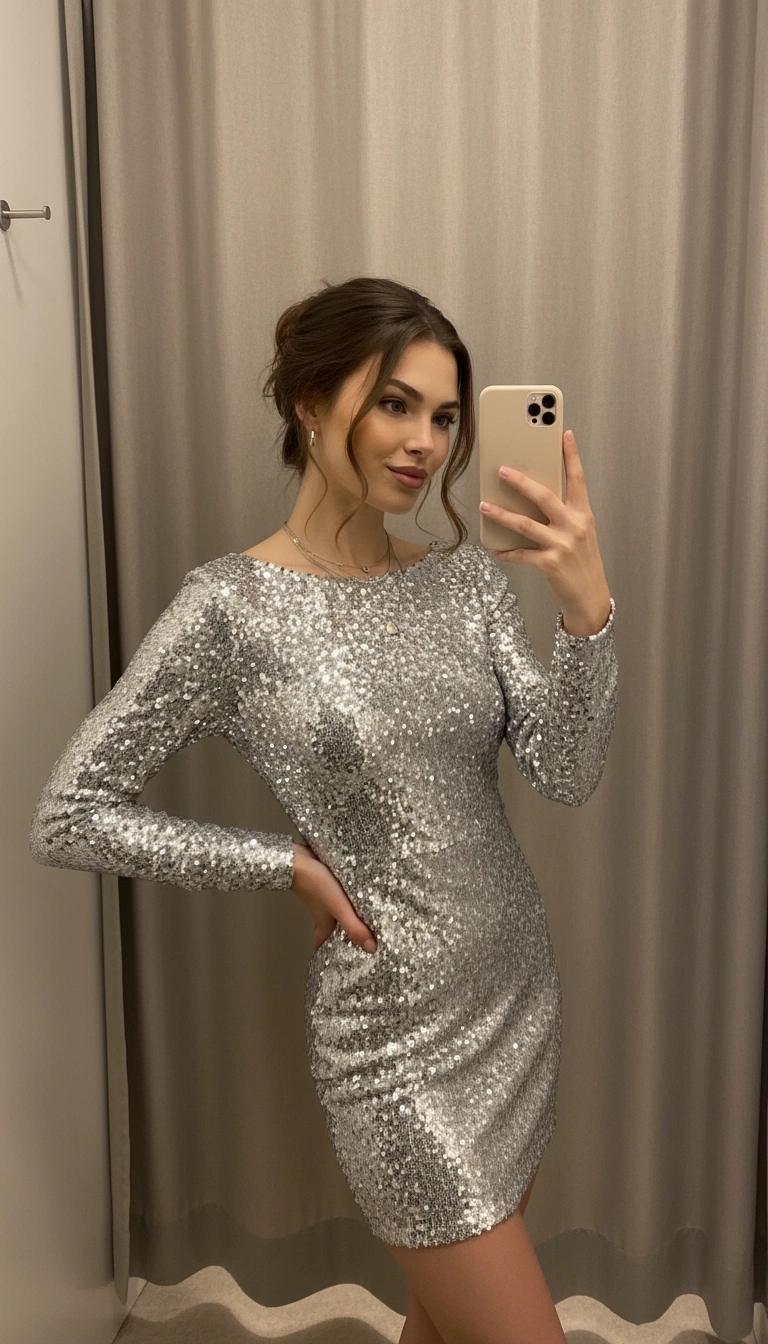
PROMPT: Create a portrait of the woman from the provided reference image. Do not alter any facial features. Ensure that her hair and skin tone match the image. Use the reference image as the identity anchor to preserve facial structure, skin tone, and body proportions; vertical 2:3 portrait captured as a smartphone mirror selfie inside a boutique dressing room with neutral curtain walls and warm overhead fitting-room lights that create soft highlights and shadows along the curtain folds; the subject stands angled toward the mirror with one hip shifted forming a natural S-curve silhouette while holding the phone near her face; expression playful and confident; wardrobe features a form-fitting silver sequin mini dress with long sleeves and a clean bateau neckline that reflects the dressing room lighting with hundreds of small highlights; hair gathered into a relaxed updo with loose strands framing the face; accessories include subtle hoop earrings and delicate layered necklaces reflecting light softly against the sequins; lighting from overhead spotlights creates dimensional reflections across the dress while shadows define the body and curtain texture; materials emphasize realistic sequin reflections, natural skin texture, and believable fabric folds.

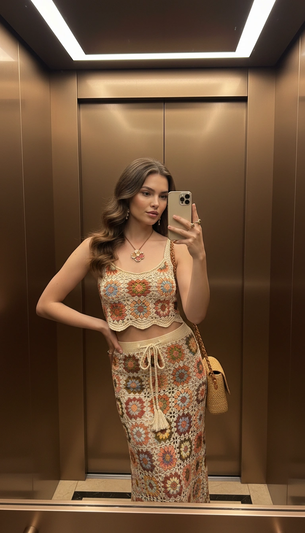
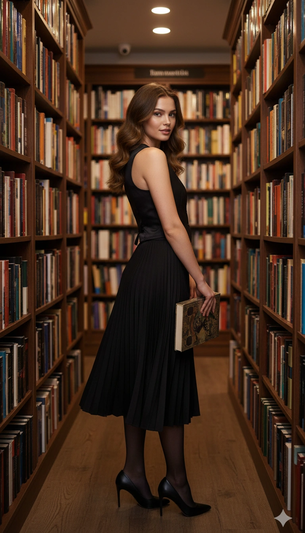
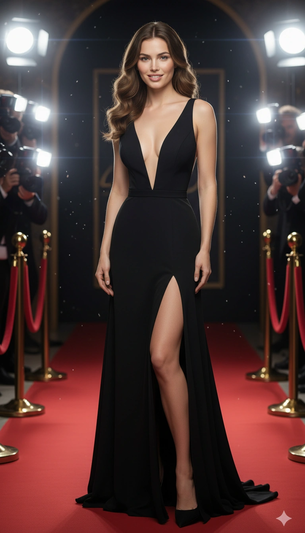
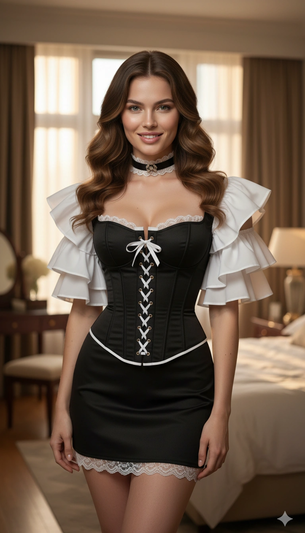
Dressing Room Decision AI generation example for Fashion Portrait
Example output generated using the Dressing Room Decision prompt.

Suggested Variations for "Dressing Room Decision"

Make it Cinematic

Add descriptors like "cinematic lighting, 8k resolution, photorealistic" to the end of the prompt for a studio-quality look.

Change the Mood

Append variations such as "moody atmosphere, dark aesthetic, high contrast" to completely shift the emotional tone.

Adjust the Medium

Instead of a photo, try requesting a "watercolor painting, 3D render, or vector illustration" using the exact same subject.

How to use this Fashion Portrait prompt

To get the best results with this generative AI prompt, follow these optimization steps:

1

Copy

Click the copy button above to get the prompt.

2

Modify

Replace any [ ] with your specific details.

3

Paste

Use it in ChatGPT, Midjourney, or Gemini.

4

Refine

Adjust the prompt for even better results.