Texas Bluebonnet Spring Festival Portrait Template

Published in Event Portrait • March 12, 2026

Looking for a high-quality Texas Bluebonnet Spring Festival Portrait? This professional Event Portrait AI prompt template is designed to help you generate stunning results for your project. Simply copy the template below and customize it for your favorite AI model, including Gemini, ChatGPT, and Midjourney.

The Prompt
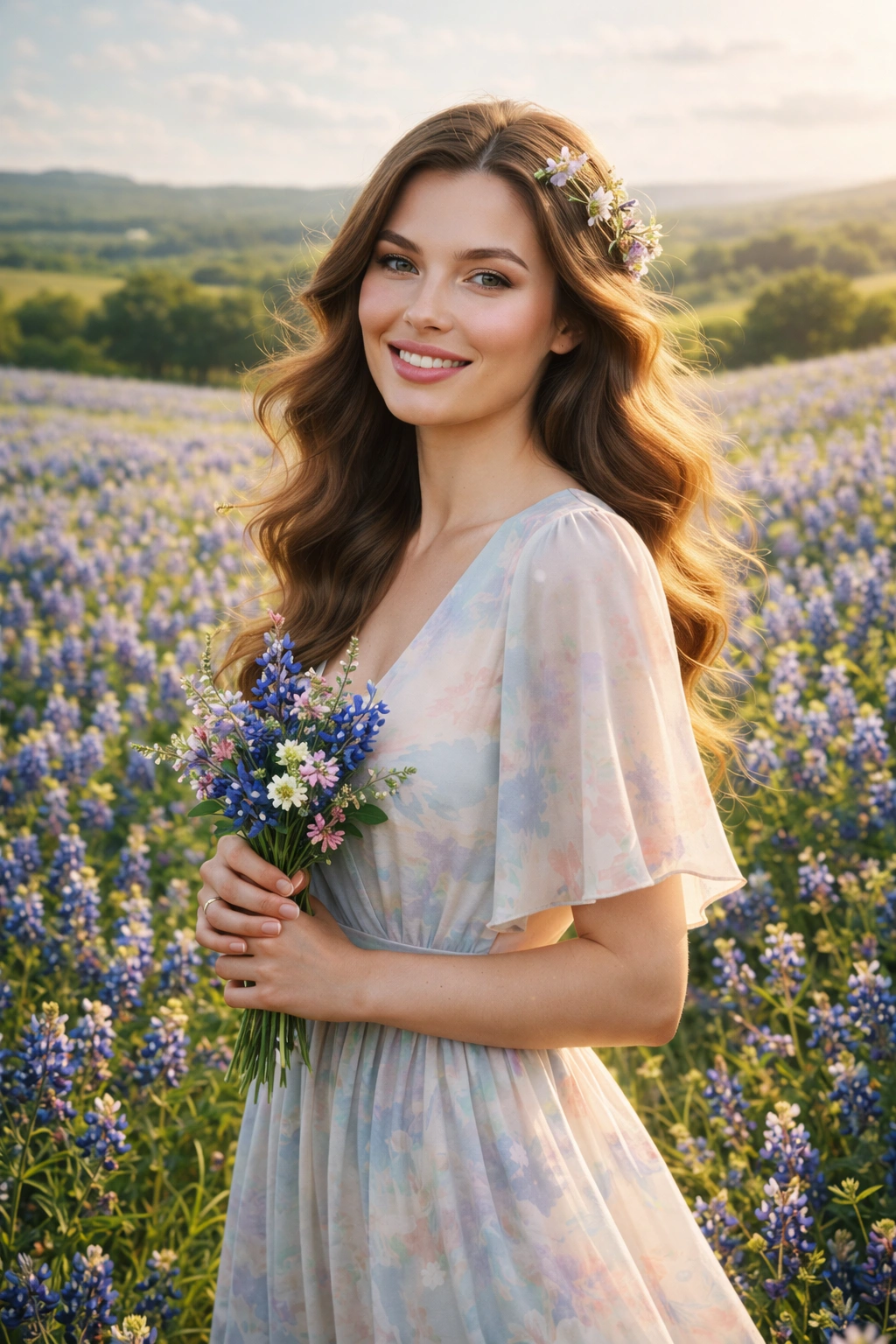
PROMPT: Create a portrait of the woman from the provided reference image. Do not alter any facial features. Ensure her hair and skin tone match the image exactly. Scene: Vast Texas countryside filled with vibrant blooming bluebonnet wildflowers stretching across rolling hills under bright spring sky. Subject: The woman from the reference photo standing gracefully among the flowers with joyful peaceful expression. Hair & Styling: Soft natural hair gently blowing in warm spring breeze with delicate floral accents. Wardrobe & Props: Flowing light spring dress in soft pastel tones harmonizing with the bluebonnet flowers; she holds a small bouquet of wildflowers. Makeup & Features: Soft natural beauty makeup with glowing skin capturing fresh spring elegance. Lighting: Golden spring sunlight illuminating the flower fields creating dreamy natural highlights. Textures & Details: Bluebonnet flower textures, grass movement, soft fabric flow, warm countryside atmosphere and distant rolling hills. Camera & Technical: High-resolution 8K photorealistic portrait, vertical 4:5 aspect ratio captured with an 85mm lens producing soft floral background bokeh. Mood: Serene, joyful, and romantic capturing the beauty of spring festivals in Texas. Style: Ultra-realistic countryside editorial photography with natural golden lighting and vibrant floral landscapes.

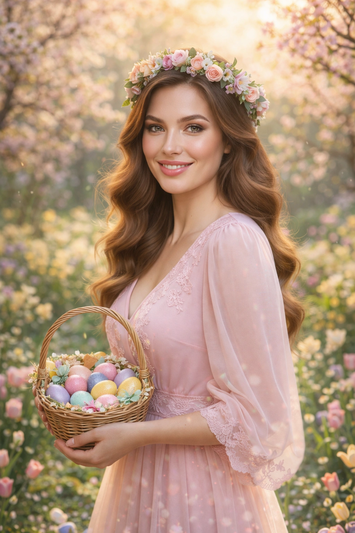
Texas Bluebonnet Spring Festival Portrait AI generation example for Event Portrait
Example output generated using the Texas Bluebonnet Spring Festival Portrait prompt.

Suggested Variations for "Texas Bluebonnet Spring Festival Portrait"

Make it Cinematic

Add descriptors like "cinematic lighting, 8k resolution, photorealistic" to the end of the prompt for a studio-quality look.

Change the Mood

Append variations such as "moody atmosphere, dark aesthetic, high contrast" to completely shift the emotional tone.

Adjust the Medium

Instead of a photo, try requesting a "watercolor painting, 3D render, or vector illustration" using the exact same subject.

How to use this Event Portrait prompt

To get the best results with this generative AI prompt, follow these optimization steps:

1

Copy

Click the copy button above to get the prompt.

2

Modify

Replace any [ ] with your specific details.

3

Paste

Use it in ChatGPT, Midjourney, or Gemini.

4

Refine

Adjust the prompt for even better results.