Real Rose Day Happy Photorealistic 8K AI Prompt
Published in Happy Rose Day • Feb 2, 2026

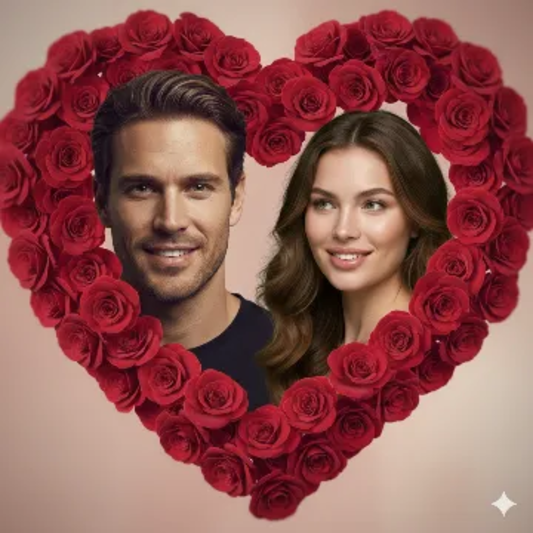
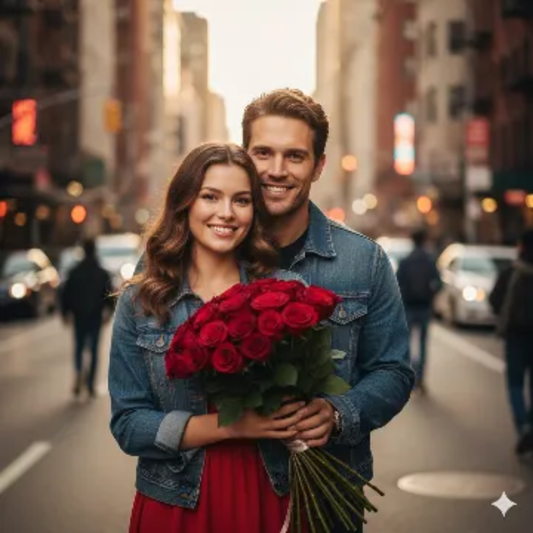
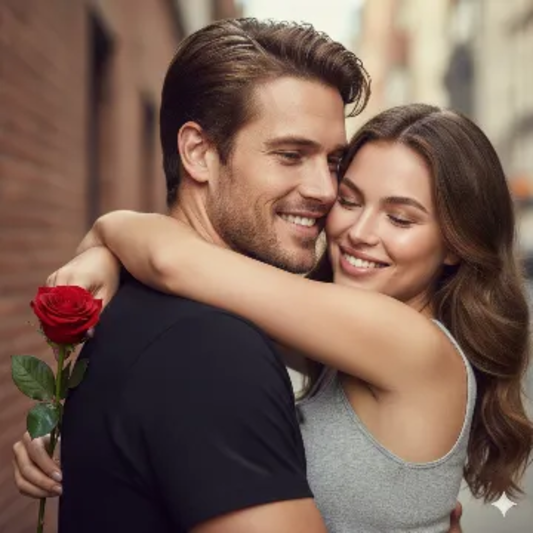
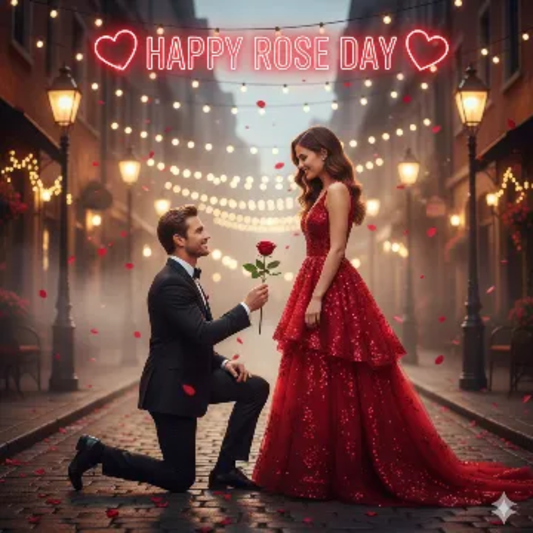
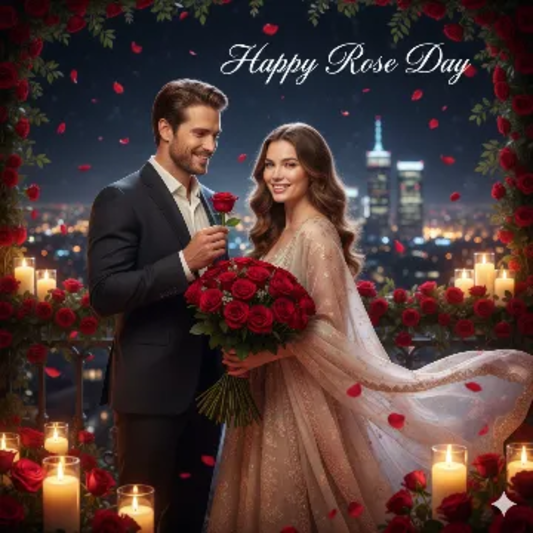
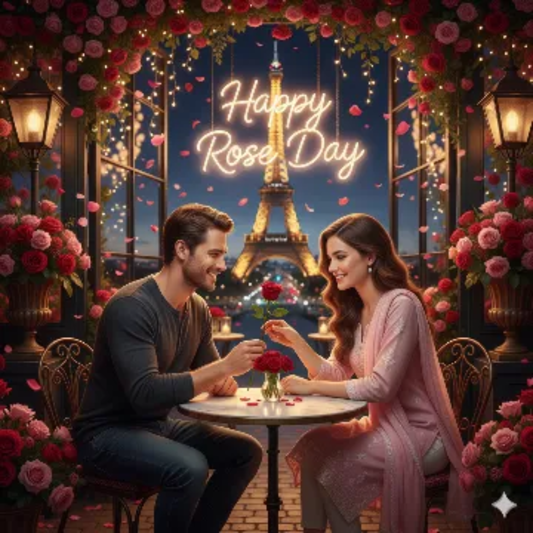
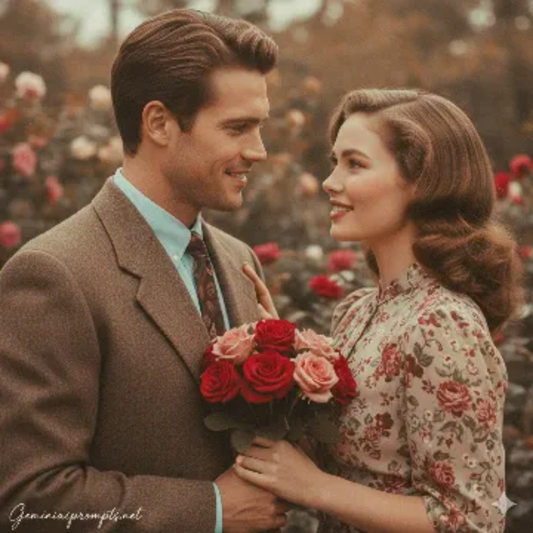
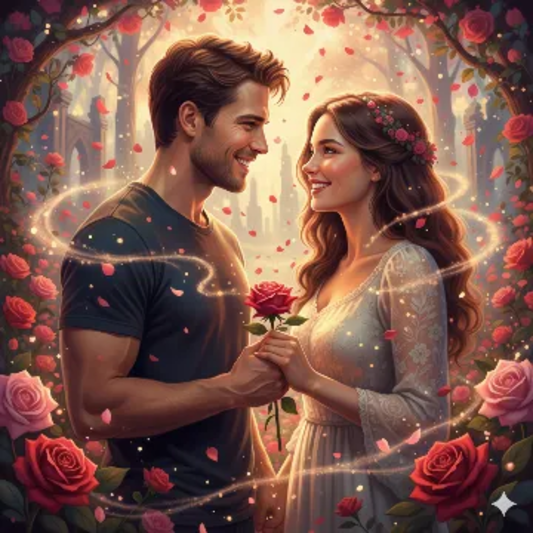
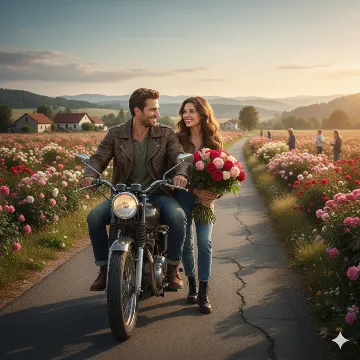
Real Rose Day Happy Photorealistic 8K AI generation example for Happy Rose Day - STRICT FACE LOCK: Use only the provided facial reference image with absolute precision do not alter ...
Example output generated using the Real Rose Day Happy Photorealistic 8K prompt.

The Prompt

STRICT FACE LOCK: Use only the provided facial reference image with absolute precision do not alter any facial features, including structure, eyes, nose, lips, jawline, skin tone, beard, hairline, age, or expression. Avoid beautification, smoothing, or AI face regeneration. Retain all authentic skin textures, pores, scars, sweat, blood splatters, and natural asymmetry. The face must be perfectly identical and instantly recognizable. PROMPT: Create a fully photorealistic real-world Rose Day scene captured like a professional DSLR photograph, using the uploaded boy and girl images as the only facial references with highest priority strict face lock, ensuring facial structure, eyes, nose, lips, skin tone, age, expression, and natural skin texture remain completely unchanged with no beautification, smoothing, face swapping, or AI alteration; set the scene on a countryside road beside vast flower fields where the boy slowly rides a motorcycle along a narrow rural road while the girl stands at the roadside holding a bouquet of roses, both sharing a natural emotional smile; include realistic surroundings such as flower farms, distant hills, simple rural houses, and farmers in the background with true-to-life proportions and depth; use natural daylight with soft shadows, realistic sky colors, and authentic reflections, subtle believable motion, balanced natural colors with no oversaturation, sharp realistic textures, captured in ultra-sharp focus with realistic depth of field in Full HD or 8K photorealism, no illustration, no painting, no watercolor or stylized effects, delivering a genuine natural romantic Rose Day moment that looks completely real.

Want to create your own prompt?

Have an image but don't have the prompt? Use our advanced AI tool to generate custom Gemini prompts from any image instantly.

Generate Prompt from Image

Prompt Visibility

  • Main Category Happy Rose Day
  • Compatible Models Gemini, GPT-4, Midjourney
  • Last Updated Feb 2026

Expert Guide: Why this prompt works

This prompt is engineered to leverage multimodal context within the Google Gemini model. By defining the subject with high-contrast descriptors first, we ensure the image generation engine prioritizes structural integrity before applying stylistic filters. This specific configuration avoids common AI artifacts by grounding the scene in physical camera optics.

Prompt Breakdown

  • Subject Clarity: Uses direct nouns for higher fidelity and better edge detection.
  • Aesthetic Weighting: Style keywords are placed at the end to prevent subject distortion during sampling.
  • Lighting Engine: Triggers specific photon simulation paths for realistic global illumination.

Mastering the Prompt

To customize this, swap the core subject while keeping the lighting and camera tokens constant. This maintains the Cinematic Quality while changing the artistic intent. For best results on Gemini, avoid over-describing the background to let the subject shine.

Read our full Gemini Prompt Masterclass →

Expert Guide: How to Use the Real Rose Day Happy Photorealistic 8K Prompt

Unleash the full potential of AI with our professionally engineered Real Rose Day Happy Photorealistic 8K template. This prompt has been tested and optimized to deliver high-fidelity results across leading AI models like Gemini Pro, GPT-4, and Midjourney.

Why it works

The Real Rose Day Happy Photorealistic 8K prompt uses contextual layering to give the AI clear constraints while allowing creative freedom. This specific structure ensures that Gemini understands the stylistic nuances of Happy Rose Day without producing generic or repetitive outputs.

Customization Tips

  • Adjust the Intensity: Modify adjectives like "vibrant" or "subtle" to change the mood.
  • Specify Medium: Add keywords like "photorealistic" or "oil painting" for artistic variance.
  • Scale the Detail: Include "high-resolution" or "8k" for technical precision in Gemini.

Javed Akhter

Written by Javed Akhter

I’m Javed, an AI and technology enthusiast with a growing passion for AI artistry. Through Imagine with Javed, I explore the evolving world of digital creativity and share my experiences, insights, and discoveries at the intersection of technology and art.