Seductive Dragon Queen Female Portrait Cinematic AI Prompt
Published in Female Portrait • Mar 21, 2026

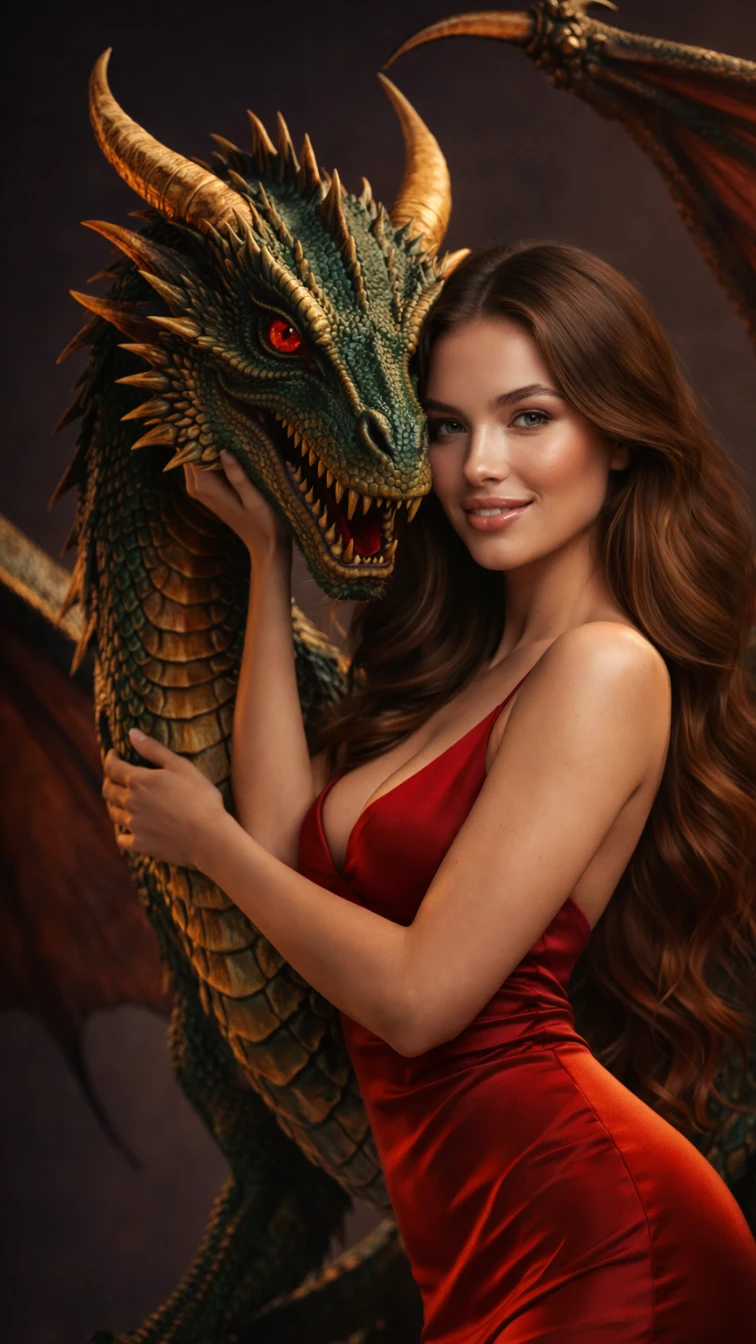
Seductive Dragon Queen Female Portrait Cinematic AI generation example for Female Portrait - {
  "scene": {
    "description": "a graceful woman standing closely with a majestic dragon, expre...
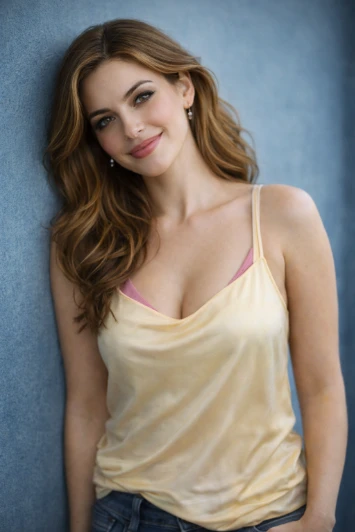
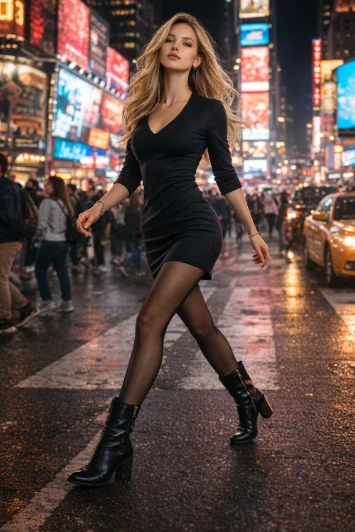
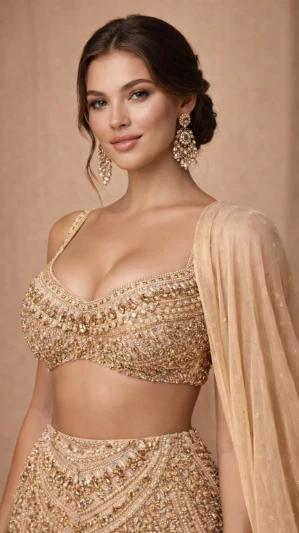
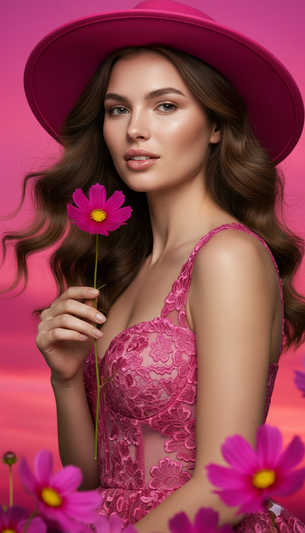
Example output generated using the Seductive Dragon Queen Female Portrait Cinematic prompt.

The Prompt

{ "scene": { "description": "a graceful woman standing closely with a majestic dragon, expressing a deep, calm connection", "environment": "dark luxury studio background with soft cinematic gradient", "lighting": "soft diffused lighting with warm highlights, subtle rim light enhancing curves and dragon edges" }, "subject": { "female": { "appearance": "beautiful woman with smooth glowing skin, long silky wavy brown hair", "expression": "soft confident gaze, slightly parted lips, elegant and alluring", "pose": "gently holding the dragon's face, slightly arched posture, relaxed yet sensual stance" }, "creature": { "type": "dragon", "details": "majestic dragon with fine detailed scales, sharp horns, glowing eyes", "color": "deep emerald green with golden highlights", "wings": "large elegant wings softly spread in background" } }, "outfit": { "description": "luxury body-hugging silk dress", "style": "minimal, elegant, high-fashion", "details": "deep neckline, smooth curves, subtle shine", "color": "rich deep red" }, "style": { "type": "ultra realistic, cinematic fashion fantasy", "quality": "8K, extremely detailed, sharp focus", "rendering": "photorealistic, soft skin texture, global illumination", "color_grading": "warm cinematic tones, soft contrast, luxury editorial look" }, "camera": { "angle": "portrait mid-shot, slightly low angle", "lens": "85mm lens, shallow depth of field", "focus": "sharp on face and upper body, smooth background blur" }, "mood": { "vibe": "elegant, sensual, powerful", "emotion": "confidence, mystery, quiet intimacy" } }

Want to create your own prompt?

Have an image but don't have the prompt? Use our advanced AI tool to generate custom Gemini prompts from any image instantly.

Generate Prompt from Image

Prompt Visibility

  • Main Category Female Portrait
  • Compatible Models Gemini, GPT-4, Midjourney
  • Last Updated Mar 2026

Expert Guide: Why this prompt works

This prompt is engineered to leverage multimodal context within the Google Gemini model. By defining the subject with high-contrast descriptors first, we ensure the image generation engine prioritizes structural integrity before applying stylistic filters. This specific configuration avoids common AI artifacts by grounding the scene in physical camera optics.

Prompt Breakdown

  • Subject Clarity: Uses direct nouns for higher fidelity and better edge detection.
  • Aesthetic Weighting: Style keywords are placed at the end to prevent subject distortion during sampling.
  • Lighting Engine: Triggers specific photon simulation paths for realistic global illumination.

Mastering the Prompt

To customize this, swap the core subject while keeping the lighting and camera tokens constant. This maintains the Cinematic Quality while changing the artistic intent. For best results on Gemini, avoid over-describing the background to let the subject shine.

Read our full Gemini Prompt Masterclass →

Expert Guide: How to Use the Seductive Dragon Queen Female Portrait Cinematic Prompt

Unleash the full potential of AI with our professionally engineered Seductive Dragon Queen Female Portrait Cinematic template. This prompt has been tested and optimized to deliver high-fidelity results across leading AI models like Gemini Pro, GPT-4, and Midjourney.

Why it works

The Seductive Dragon Queen Female Portrait Cinematic prompt uses contextual layering to give the AI clear constraints while allowing creative freedom. This specific structure ensures that Gemini understands the stylistic nuances of Female Portrait without producing generic or repetitive outputs.

Customization Tips

  • Adjust the Intensity: Modify adjectives like "vibrant" or "subtle" to change the mood.
  • Specify Medium: Add keywords like "photorealistic" or "oil painting" for artistic variance.
  • Scale the Detail: Include "high-resolution" or "8k" for technical precision in Gemini.

Javed Akhter

Written by Javed Akhter

I’m Javed, an AI and technology enthusiast with a growing passion for AI artistry. Through Imagine with Javed, I explore the evolving world of digital creativity and share my experiences, insights, and discoveries at the intersection of technology and art.