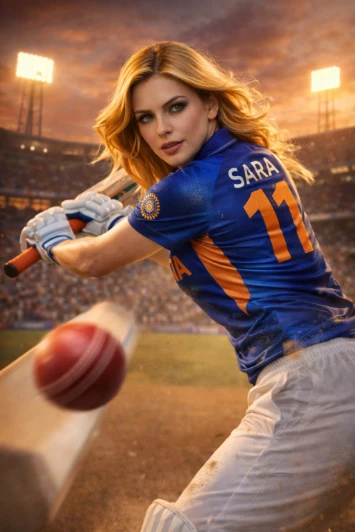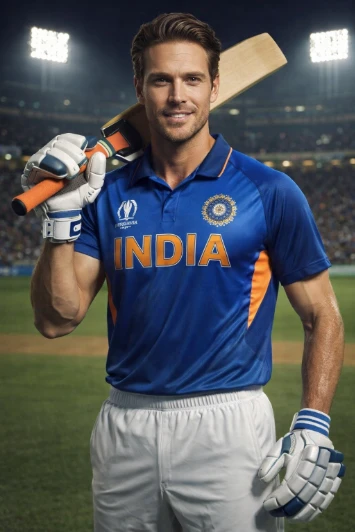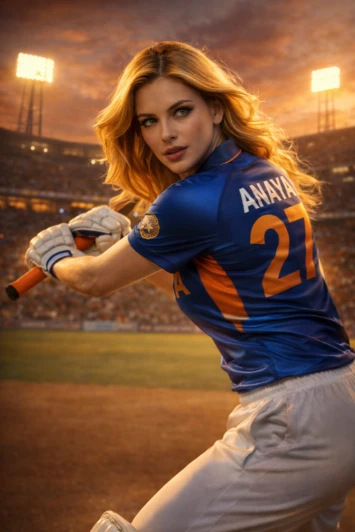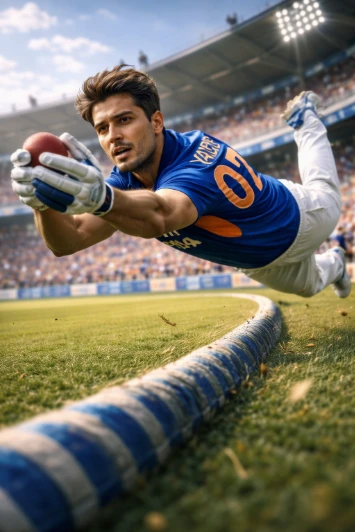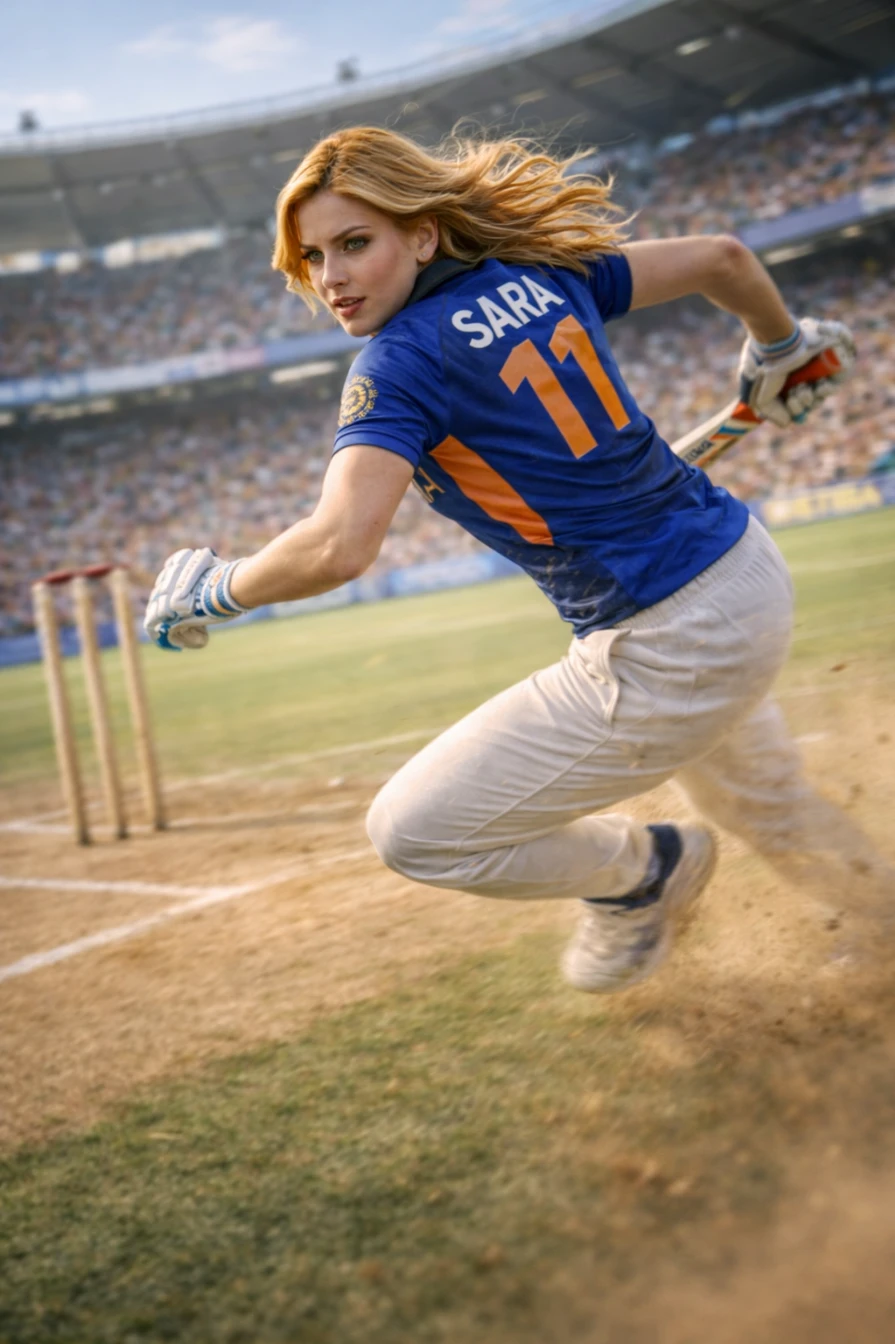

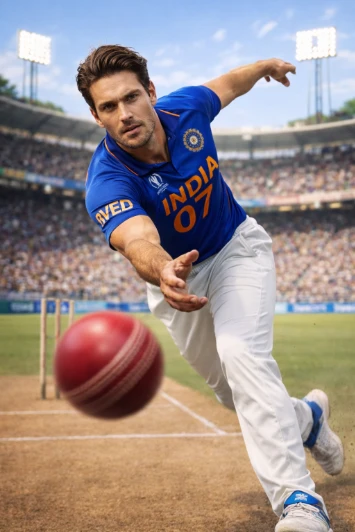
IPL Team Jersey AI Photo Editing Prompt HD Style
Provide your information and update the details below before generating the image. { "player_name": "Javed Khan", "jersey_name": "JAVED", "jersey_number": "07", "team": "India", "pose": "bowling", "environment": "stadium", "time": "day", "camera_angle": "low angle", "style_type": "cinematic", "gender": "male", "use_reference_face": false, "custom_outfit_details": "modern athletic fit jersey with subtle texture, sweat detailing, motion blur effect, premium sports finish" } Use random real-world cricket data for the above information and generate an image using the prompt below. If the user provides information, use that instead. { "subject": { "description": "Ultra-realistic athletic {gender} cricket player {use_reference_face ? 'using the exact face from the uploaded reference image, preserving identity, facial structure, and skin tone' : ''}, confident posture, wearing professional cricket uniform, highly detailed skin texture, cinematic presence", "estimated_age": 24, "gender": "{gender}", "ethnicity": "South Asian", "skin_color": "#d2a679", "body_type": "athletic, fit, natural proportions", "estimated_height_cm": 175 }, "pose": { "description": "{pose == 'batting' ? 'dynamic batting stance with bat mid-swing' : pose == 'bowling' ? 'fast bowling action pose with arm extended' : 'standing confidently on cricket ground holding bat resting on shoulder'}", "body_orientation": "angled", "head_angle_degrees": 10, "torso_angle_degrees": 15, "arm_position": "{pose == 'standing' ? 'one hand gripping bat handle, other relaxed' : 'action-based positioning'}", "leg_position": "{pose == 'standing' ? 'one leg slightly forward' : 'dynamic sports stance'}", "overall_tilt": "subtle 5 degrees" }, "outfit": { "description": "professional cricket uniform with modern athletic fit for {team} team", "items": ["cricket jersey", "cricket trousers", "sports shoes"], "colors": "{team == 'India' ? ['#0a3d91', '#ff9933'] : ['#1e90ff', '#ffffff']}", "material": "breathable polyester sports fabric", "details": "jersey with name '{jersey_name}' and number '{jersey_number}' printed on back, premium sports design {custom_outfit_details}" }, "hair": { "description": "{use_reference_face ? 'same hairstyle as reference image' : 'natural styled sports hair'}", "color": "#1c1c1c", "length": "short", "style": "natural", "flow_angle": "backward 15 degrees" }, "face": { "description": "{use_reference_face ? 'same person as reference image, identical facial structure, realistic skin texture' : 'sharp athletic facial features'}", "eye_color": "dark brown", "lip_color": "#b76e79", "expression": "confident slight smile", "microexpressions": "focused, calm, game-ready intensity", "makeup": "natural", "head_angle": 10 }, "accessories": { "description": "professional cricket gear", "items": ["cricket bat", "batting gloves"], "jewelry": [], "other": "light sweat texture for realism" }, "environment": { "description": "{environment == 'stadium' ? 'professional cricket stadium with crowd' : 'practice cricket ground'}", "main_elements": ["pitch", "stadium lights", "crowd blur"], "background": "blurred audience and stadium seating", "colors": ["#2e8b57", "#87ceeb"], "time": "{time}" }, "lighting": { "description": "{time == 'day' ? 'bright natural sunlight' : time == 'sunset' ? 'golden hour cinematic lighting' : 'stadium floodlights dramatic lighting'}", "source": "sunlight + stadium lights", "style": "{style_type}", "contrast": "medium", "light_colors": ["#ffffff", "#ffd27f"] }, "camera": { "description": "cinematic sports portrait shot", "angle": "{camera_angle}", "distance": "medium", "focus": "shallow depth of field", "shot_style": "9:16" }, "style": { "description": "{style_type} ultra-realistic cricket photography", "genre": "photography", "quality": "8K ultra realistic", "influences": ["sports photography", "cinematic lighting"] } }