
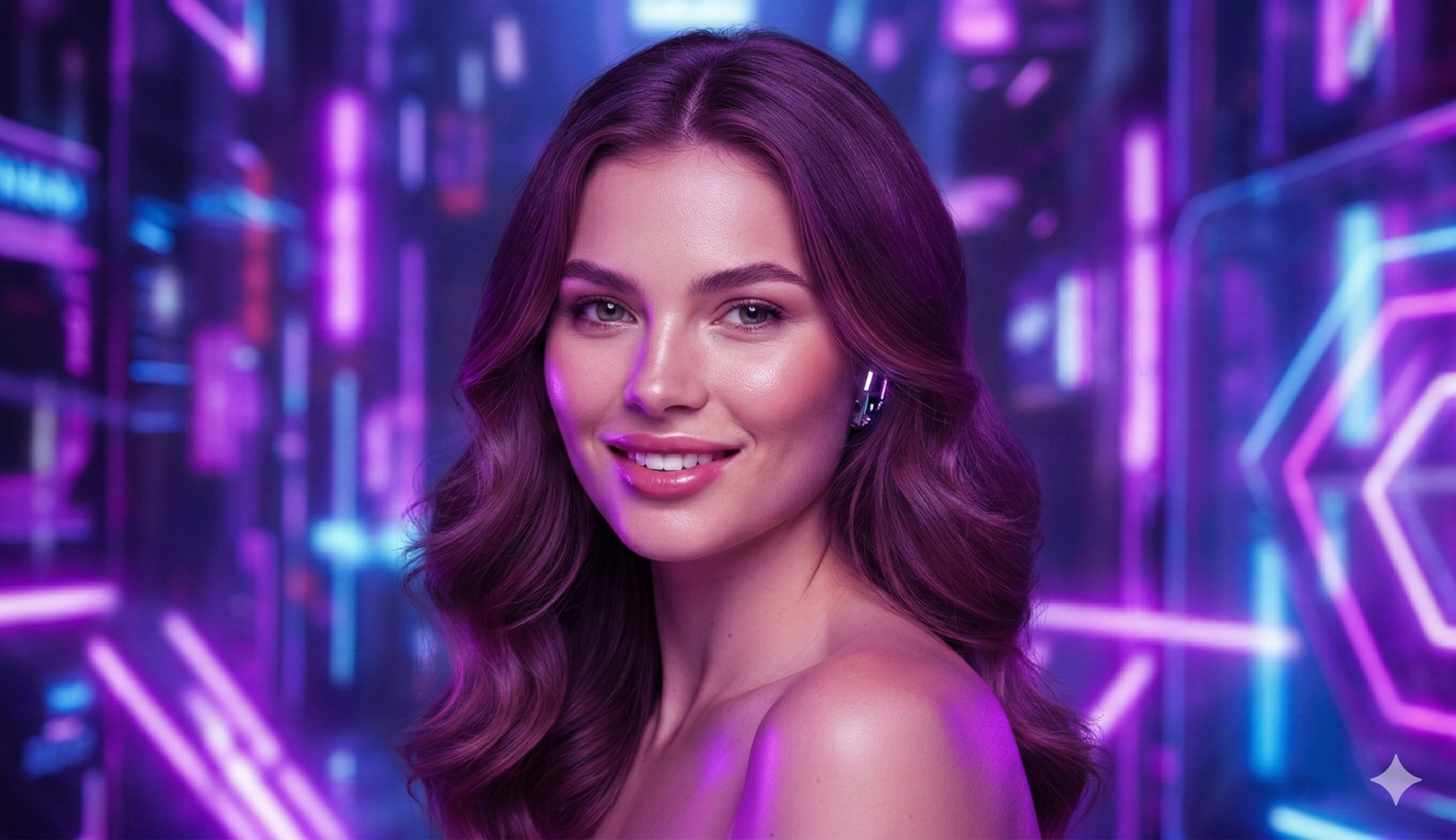
Google’s Gemini AI can generate stunning, high-resolution images when given a well-crafted prompt. But not all prompts are created equal. To get the best results, your prompt must be clear, detailed, and specific. Think of it as giving Gemini a precise set of instructions. As one expert notes, with the right prompt you can produce “hyper-realistic 8K masterpieces” and “soul-punching visuals”. In this guide, we’ll walk through how to write Gemini AI prompts for photo creation and editing, including step-by-step advice, example prompts, and tips. Whether you’re aiming for a cinematic portrait or a vibrant landscape, these strategies will help Gemini deliver the kind of high-quality, realistic images you want.
Gemini’s image generation tools are powerful. For example, one photographer found that after experimenting with Gemini prompts, “the game changed overnight” – the AI could handle anything from noir-style portraits to retro fashion scenes. Gemini even offers advanced modes (such as the Nano Banana model) for higher fidelity. But to tap into that potential, you need to structure your prompt correctly. Let’s break it down.
Key Elements of a Strong Gemini AI Photo Prompt
A good Gemini AI prompt typically includes several elements: subject, style, lighting, composition, and technical details. In other words, describe who or what the photo is of, how it should look, where it is, and what mood or quality it should convey. Some prompts even specify camera settings (lens, aperture) to fine-tune the result. Gemini experts highlight that prompts should be treated like “blueprints for visual storytelling”. They often include:
- Subject Description: Clearly describe the main subject (person, object, scene). E.g. “a smiling young woman with curly brown hair” or “a vintage red sports car”.
- Style and Mood: Add descriptive adjectives or styles (e.g. cinematic, noir, vibrant, dreamy, ultra-realistic). For example, “dramatic cinematic portrait” or “soft pastel aesthetic”.
- Lighting and Atmosphere: Specify lighting (golden hour sunlight, neon lights, candlelit room) and mood. Example: “warm, moody lighting at sunset” or “bright studio lighting”.
- Composition Details: Mention framing or background elements if relevant (full-body shot, close-up, DSLR depth of field). E.g. “medium close-up from eye level, shallow depth of field with blurred cityscape background”.
- Technical Quality: Instruct on quality, resolution or aspect ratio. E.g. “8K resolution”, “photorealistic detail”, “DSLR camera photo style”. Gemini can output incredibly sharp images – in one example, prompts yielded “insane 8K clarity”.
- Camera/Lens (Optional): You can even specify camera type or lens. E.g. “captured with a 50mm portrait lens” to influence blur and perspective.
By packing all these details into one coherent sentence, you guide Gemini to generate exactly the kind of image you envision. In effect, you’re giving Gemini permission to be creative within clear boundaries. For instance, as one blogger advises, think less “point-and-shoot” and more “directing your own blockbuster” – your prompt is your direction.
Step-by-Step Prompt Writing Process
To craft your Gemini AI prompt, follow these steps:
- Determine the Image Goal: Decide what you want the final image to look like. For example, a moody portrait, a bright landscape, or a stylized illustration. Having a clear goal guides the language of your prompt.
- Describe the Subject First: Start by stating the main subject. E.g. “A middle-aged man playing piano” or “A white kitten sleeping on a windowsill.” Be concise but clear.
- Add Style or Genre Keywords: Next, specify the desired style or genre. Words like cinematic, noir, vibrant, futuristic, vintage, or ultra-realistic give Gemini a strong sense of the visual style. For example: “A high-contrast black-and-white noir style photograph…” or “A whimsical, pastel-colored portrait of a fantasy creature…”.
- Set the Scene: Include background or setting details if it matters. “In a rainy city alley” vs. “In a sunny field” drastically changes the feel. For a portrait, you might note the environment or props (e.g. “standing in a bustling New York street” or “surrounded by autumn leaves”).
- Specify Lighting and Mood: Lighting is critical in photography. Terms like sunset glow, neon lights, softbox portrait lighting, or dramatic shadow guide the AI on the mood. E.g. “bathed in golden hour sunlight” or “under moody blue lighting”.
- Include Technical Details (Optional but Powerful): To push for quality, mention image detail: “8k resolution, high-definition”, or even camera effects: “shot with a macro lens”, “shallow depth of field”. This signals Gemini to prioritize clarity and detail.
- Be Concise but Complete: Combine all chosen elements into one prompt sentence or two. Avoid run-on grammar by using commas or semicolons. For example:
- “An ultra-realistic 8K portrait of a young woman standing in Times Square at night, vibrant neon lights reflecting on her face, captured with a DSLR 50mm lens and soft front lighting.”
- Refine and Test: After generating an image, you can tweak the prompt. If the result isn’t quite right, adjust or add details (e.g. change “young woman” to “blonde young woman”, or add “overcast sky” to mood).
By following these steps, you ensure your prompt covers all important angles. Importantly, resist the temptation to use generic phrases alone. Detailed prompts like these turn Gemini into a “creative director” helping you generate stunning results.
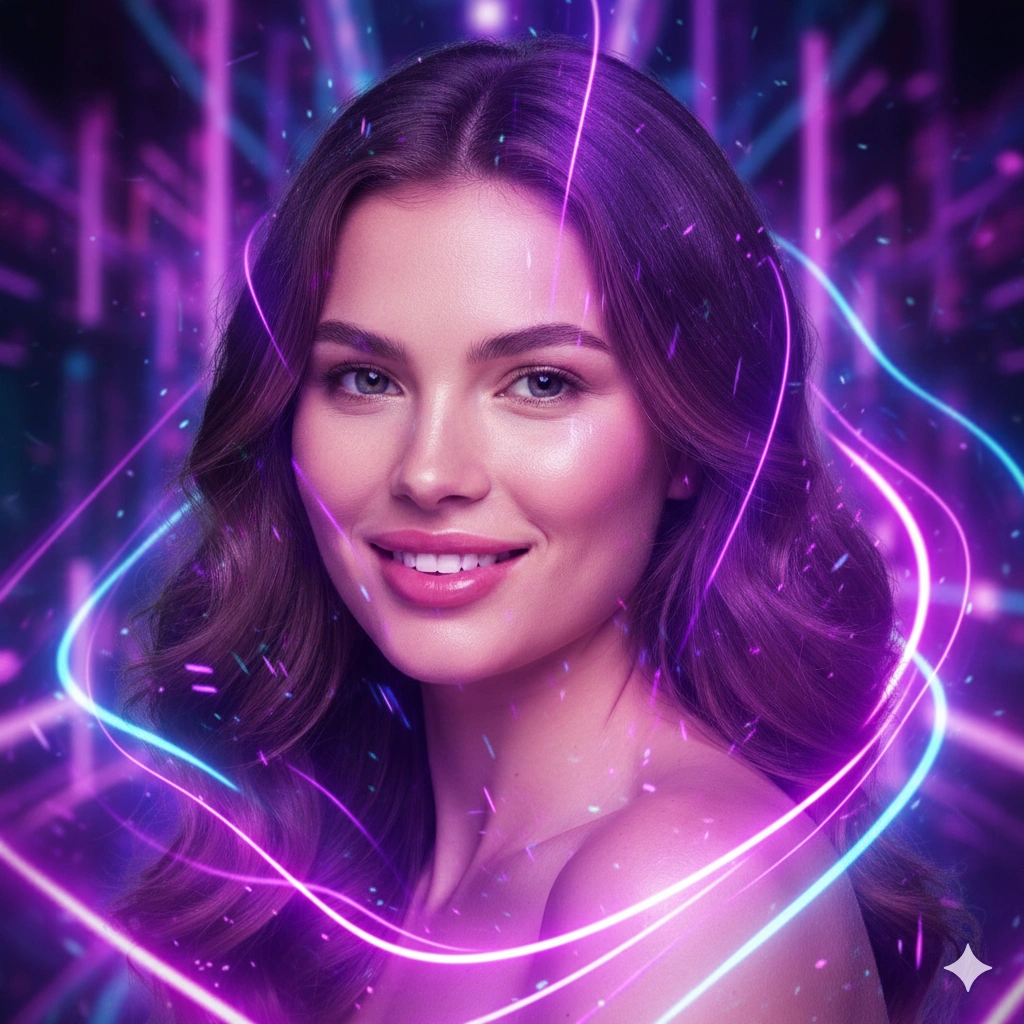
View the complete neon portrait editing prompt example here: https://geminiaiprompts.net/en/google-gemini-ai-neon-portrait-photo-editing-prompts?id=257
Example Gemini AI Photo Prompts
Putting it all together, here are some example prompts (you can copy-paste and customize for your own use). Each example targets a different style or subject. These examples illustrate the elements above:
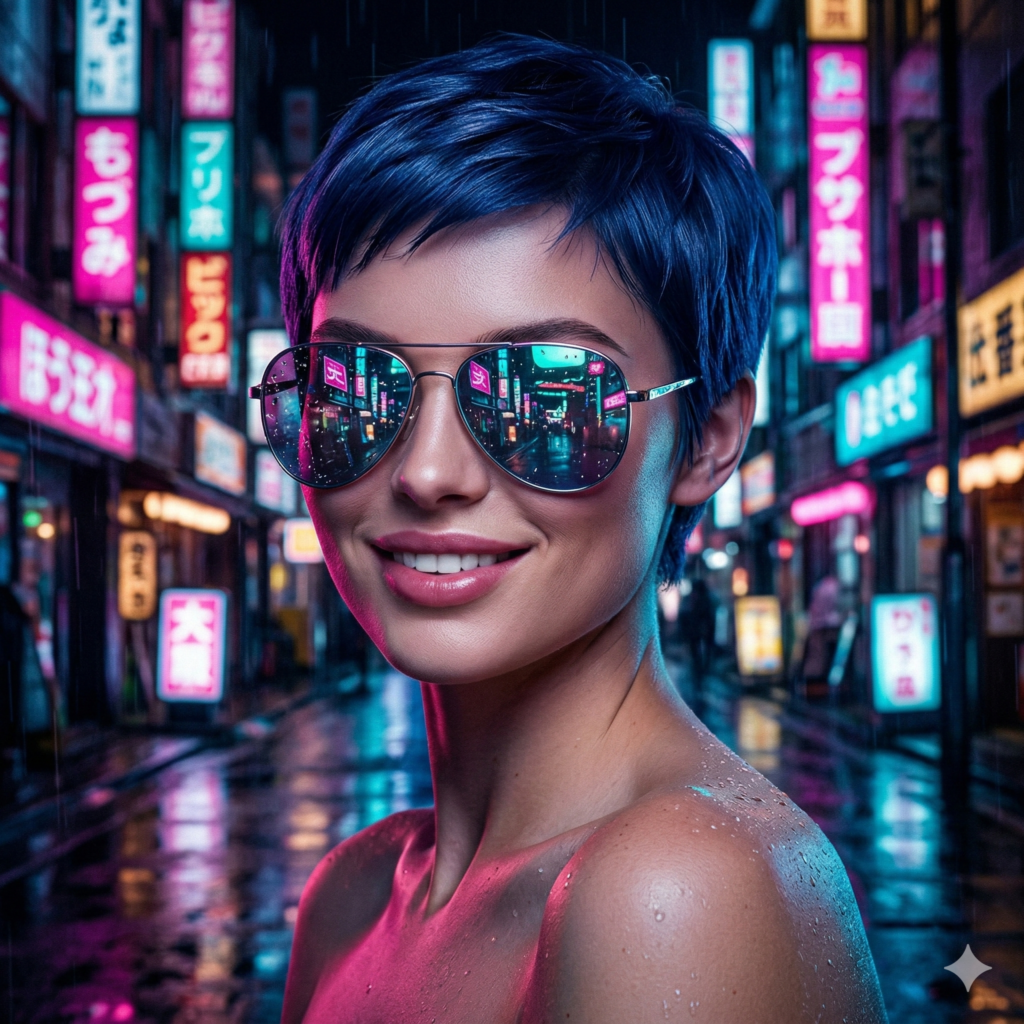
Neon Cyberpunk Portrait:
“A hyper-realistic cinematic portrait of a young woman with short blue hair and reflective sunglasses standing in a neon-lit city street at night. The scene has vibrant pink and teal neon signs and rain-soaked pavement, shot at 8K resolution with a wide-angle lens and dramatic high-contrast lighting.”
Why it works: This prompt specifies who (young woman), what style (cinematic, neon-lit city), when (night with rain), and technical detail (wide-angle, 8K). Gemini gets a clear vision.
Explore the full Neon Portrait editing collection here:
https://geminiaiprompts.net/en/google-gemini-ai-neon-portrait-photo-editing-prompts?id=437
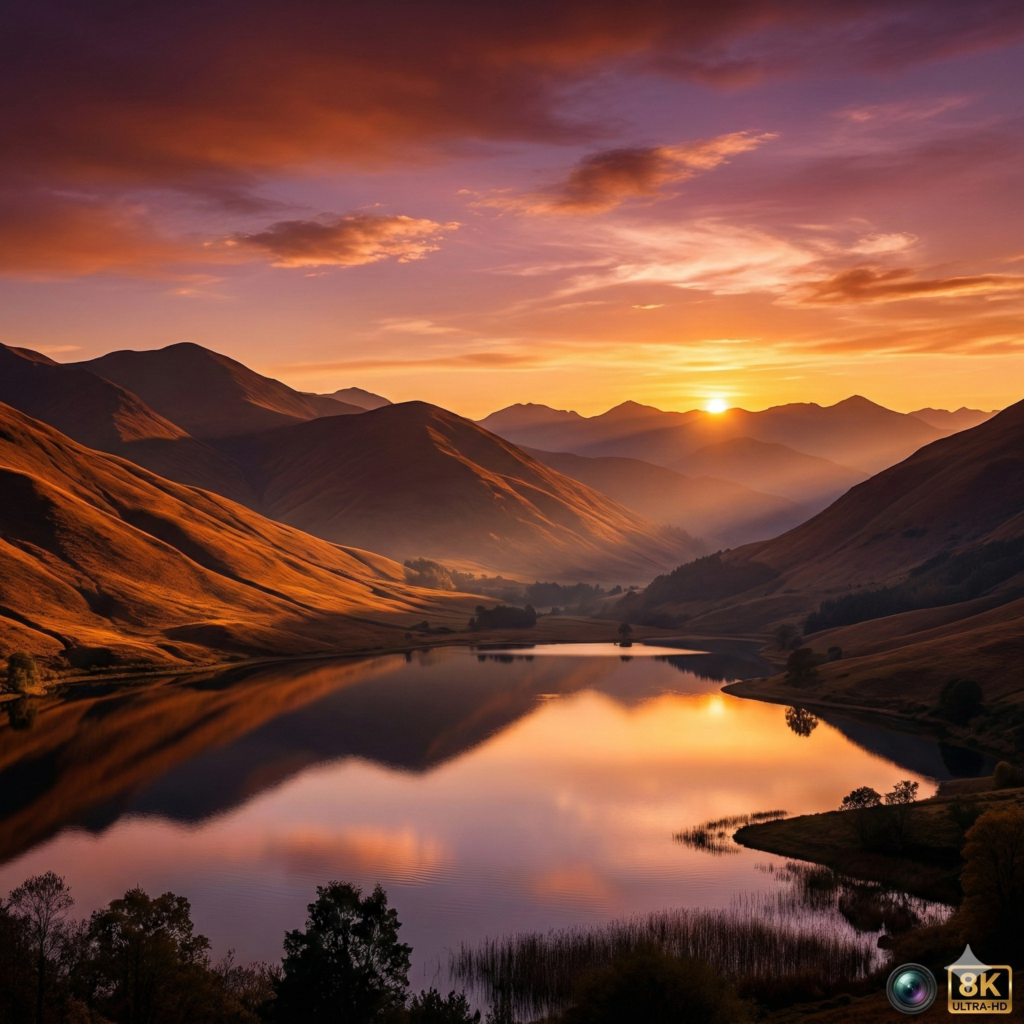
Golden Hour Landscape:
“A breathtaking sunset landscape photo of rolling mountains and a calm lake, with golden sunlight casting long shadows. Capture with a telephoto lens at 8K resolution, highlighting the rich orange and purple sky reflecting on the water.”
Why it works: Emphasizes time of day (sunset), subject (mountains, lake), and quality (telephoto lens, high resolution).
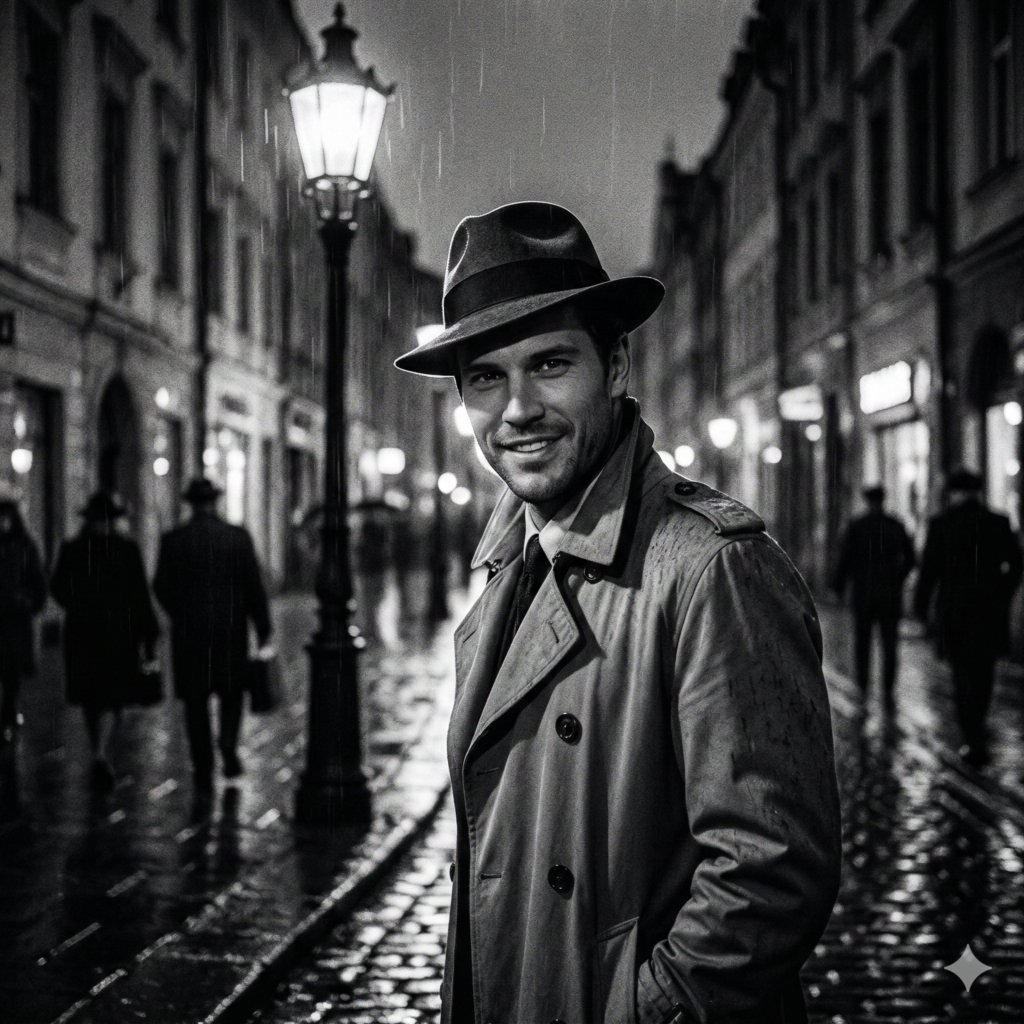
Black & White Street Photo:
“A moody black-and-white street photograph of a middle-aged man in a trench coat and fedora walking under a flickering streetlamp. The image is grainy like classic film, with deep shadows and strong contrast.”
Why it works: Specifies monochrome style, subject attire, and film-like texture. Gemini knows to generate an old-school noir feel.
Explore the full Vintage Portrait editing collection here:
https://geminiaiprompts.net/en/google-gemini-ai-vintage-portrait-photo-editing-prompts?id=438
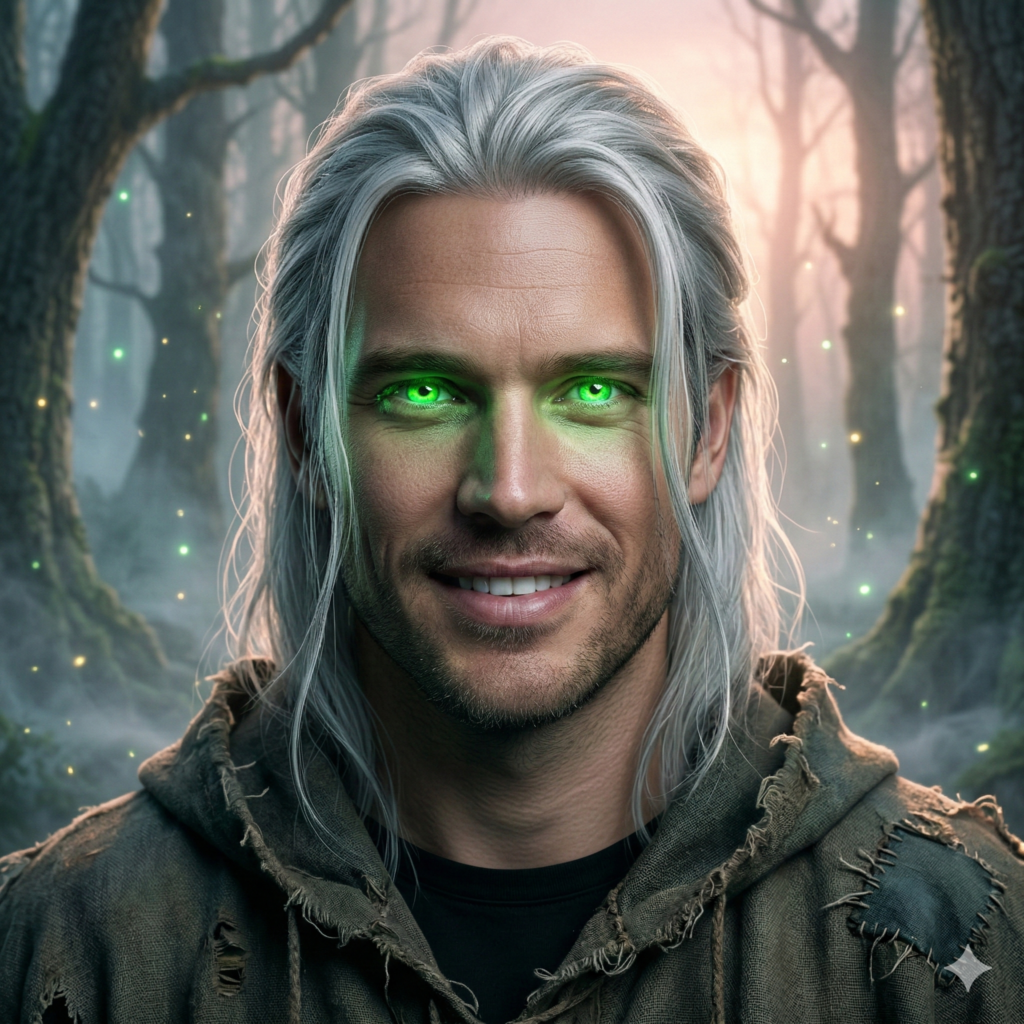
Fantasy Creature Portrait:
“An ultra-realistic 8K portrait of a young wizard with glowing green eyes, in a misty forest at dawn. He has long silver hair and wears a tattered cloak. Soft backlighting creates a magical atmosphere.”
Why it works: Combines fantasy element (wizard), setting (misty forest at dawn), and lighting details.
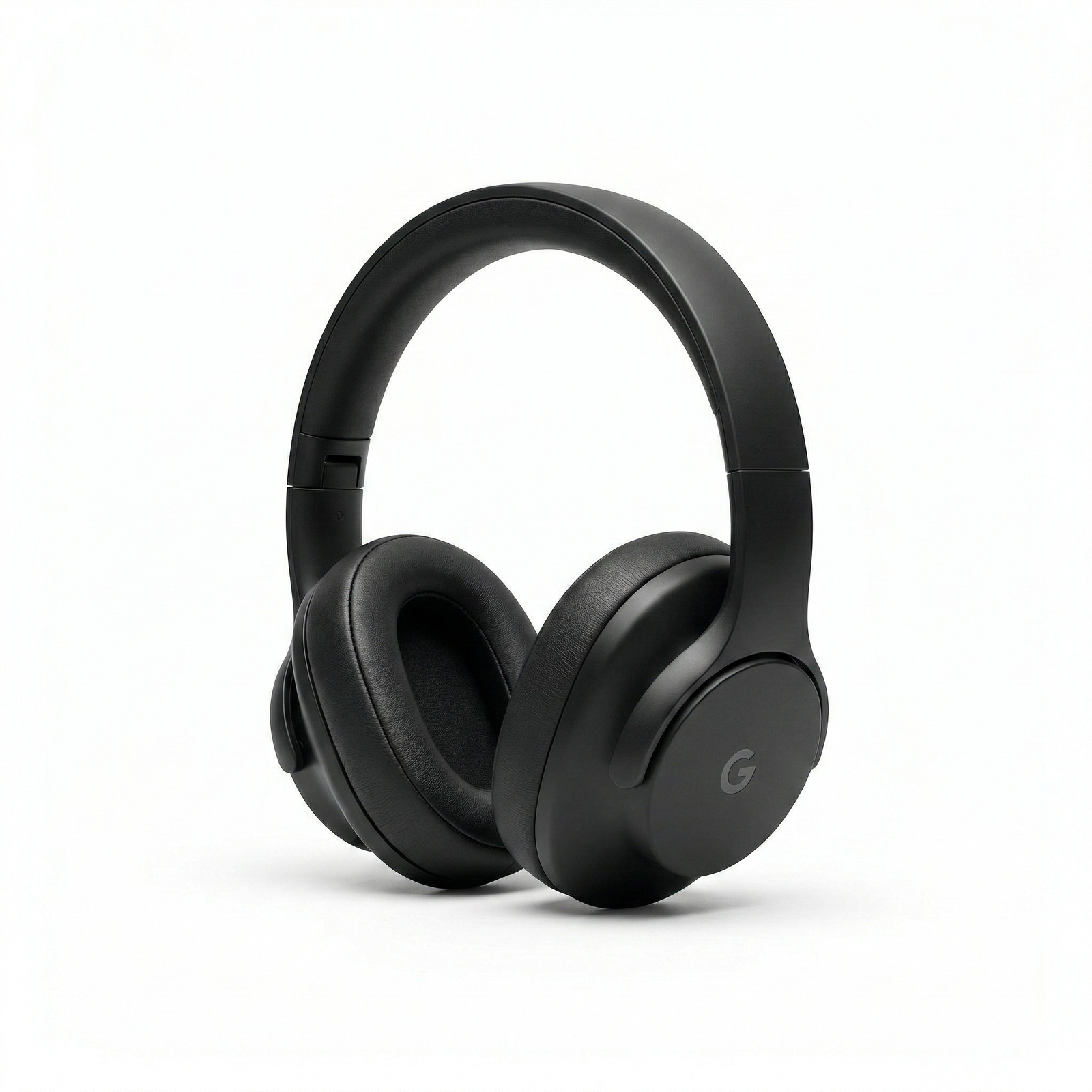
Product Mockup:
“A professional product photo of a sleek black wireless headphone on a white studio background. Perfectly centered, high-key lighting, crisp details, minimal shadows, 4K resolution.”
Why it works: Even for product shots, Gemini follows instructions about background and lighting.
These examples demonstrate how including vivid details leads to impressive results. Remember, more information in your prompt generally yields more predictable and photorealistic images.
Avoiding Common Prompt Mistakes
- Too Vague: Prompts like “A beautiful woman” without context yield generic results. Instead, add context (pose, setting, mood).
- Chatbot-Style Prompts: Treat Gemini prompts more like photography instructions than conversation. Don’t just type a question; write a descriptive sentence. For example, use “Create a photo of…” style commands or simply descriptive phrases, rather than “tell me how to…”.
- Overloading Irrelevant Details: Stick to what affects the image. Telling Gemini your life story won’t help. Focus on the visual details that should appear in the image.
- Ignoring Model Selection: If using Gemini’s Nano Banana Pro (Gemini 3.1) for highest fidelity, some platforms let you specify model. (Gemini offers “Fast” vs “Pro” modes.) For absolute quality, choose the “Pro” or specify “Gemini-3 model” if that option exists.
- Skipping Quality Keywords: If you want top-quality, include terms like “ultra-detailed”, “cinematic”, and “8K resolution”. Otherwise, Gemini might generate something lower-fidelity. One expert notes that prompts with these terms can produce “crazy high-quality and surreal” images (especially on the Nano Banana model).
By avoiding these pitfalls and following the outlined steps, you’ll make the most of Gemini’s capabilities. Even trending creators stress that the secret to viral AI images is in the prompt – for example, TikTok trends involving Ghostface and other themes all rely on carefully crafted Gemini prompts. Make sure your prompt includes those key details to join in on the fun, or better yet, create your own unique style.
Internal Resources
For more inspiration and ideas, explore our Gemini AI prompt collections on geminiaiprompts.net. Check out the AI Art category for creative style prompts, the People category for portrait prompts, or the Fashion category for trendy photo prompt ideas. Each category page is full of copy-paste-ready Gemini prompts to spark your creativity.
Q: How do I write a prompt for Gemini AI image creation?
A: Focus on clear, descriptive language. Include the subject, style, setting, and lighting in one or two sentences. For example: “A vibrant sunrise over a mountain lake in photorealistic detail, with soft golden light and high contrast.” This level of detail tells Gemini exactly what to generate.
Q: What makes a Gemini AI prompt effective?
A: A strong prompt is detailed and specific. Use vivid adjectives (cinematic, neon-lit, hyper-realistic), specify context (time of day, background), and add camera or quality keywords (8K, DSLR, portrait lens). According to experts, prompts that include such specifics can yield incredibly realistic images.
Q: Can Gemini AI edit my existing photo?
A: Yes. Gemini’s image tools allow you to upload a photo and give a prompt like “Apply this style while preserving my original facial features.” Many prompts instruct Gemini to edit an uploaded image (for example, adding a background or changing lighting) while keeping the subject recognizable. Always mention “keep my identity/face” if you want the original person to stay the same.
Q: What are some example Gemini AI photo prompts?
A: Examples include things like “A hyper-realistic 8K portrait of a woman with braided hair in golden hour light, soft bokeh background,” or “A cinematic photo of a husky puppy in the snow, bright colors and sharp focus.” See the example prompts above for inspiration.
Q: How do I improve a Gemini AI image I don’t like?
A: Refine your prompt. Add more detail or try synonyms. If the image is too dark, specify “bright lighting”. If background is wrong, clearly describe it. Iteration is key: change one element at a time until you get the result you want.
